How to Cut Standby Power at Home
A step-by-step plan to find and kill the vampire power your devices draw while switched off, and how much you can realistically save.
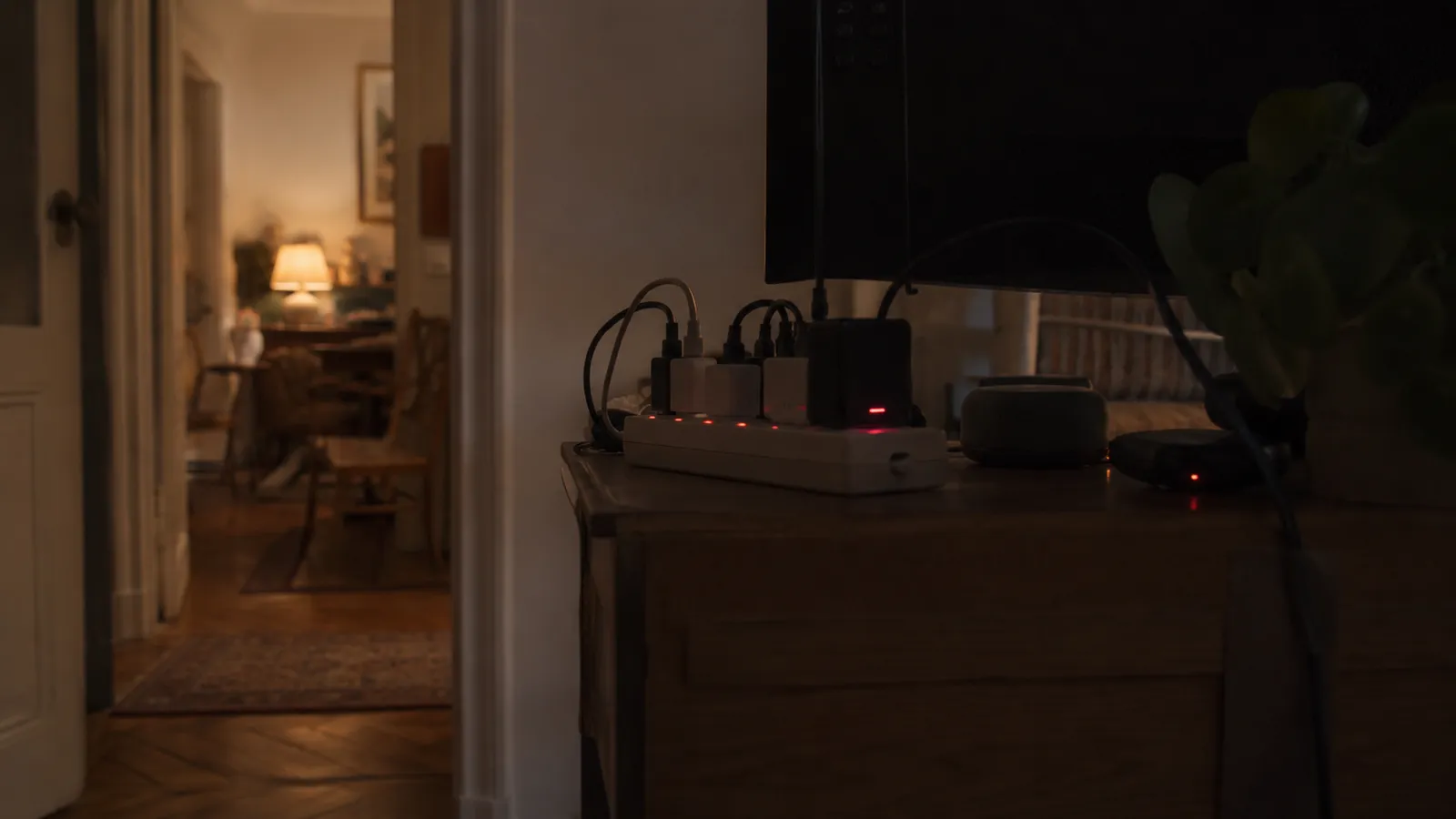
"Off" is rarely off. Televisions, consoles, set-top boxes, chargers, printers and anything with a clock or a standby light keep drawing power around the clock. Individually it is only a watt or two; across a whole home it can add up to 5–10% of your electricity bill — money spent on devices you thought were switched off. Here is how to find that waste and remove it, in order of effort and payoff.
Understand what you are hunting
Standby power (also called vampire or phantom load) is the electricity a device uses while not doing its main job. It runs 24 hours a day, so even a small draw becomes real energy over a year: a device pulling 5 W constantly uses about 44 kWh annually. A standby power calculator lets you add up your whole home's idle draw and see the yearly cost.
Step 1: find the worst offenders
Not all standby is equal. A phone charger left plugged in draws almost nothing, but a games console in "rest mode", a set-top box recording, or an old desktop asleep can each draw 10–15 W continuously. A cheap plug-in power meter shows each device's real idle draw, so you can target the handful that actually matter instead of unplugging everything. If you do not have one, assume the entertainment centre and the home office are the biggest culprits.
Step 2: group and switch
The fastest win is a switchable power strip. Put the TV, console, set-top box and sound bar on one strip and flick it off when you are done for the night — one action removes several watts of constant draw. Do the same for the home-office cluster: monitor, printer, speakers and dock. You keep the convenience of leaving things plugged in while cutting the idle cost.
Step 3: change the settings that matter
Some devices let you cut standby without touching a switch. Turn a games console's "instant-on" or "rest" mode to a full power-down — it removes most of its idle draw at the cost of a slightly slower start. Enable eco or deep-sleep modes on TVs and computers. Turn off "quick start" features you do not use. These changes are free and permanent once set.
Step 4: leave the useful ones alone
Not everything should be switched off. Your Wi-Fi router, fridge, freezer, and anything that needs to stay on — security cameras, smart-home hubs, a phone charging overnight — should stay powered. The saving from switching a router off is tiny and it breaks things. Focus your effort on genuinely idle electronics, not on the devices that earn their keep.
What you can realistically save
A typical home carrying 60–100 W of constant standby across all devices is spending roughly 525–875 kWh a year on it. Removing even half of that — very achievable by targeting the entertainment and office clusters — saves a meaningful amount every year, repeated for as long as you keep the habit. It is one of the few savings that costs nothing to start and pays back every single day.
Frequently asked questions
How much can I save by cutting standby?
Standby is often 5–10% of a home's bill. Eliminating the worst of it can save a meaningful amount each year, especially with several always-on entertainment devices.
Do I need a power meter?
It helps but is not essential. A cheap plug-in meter shows each device's real standby draw so you can target the worst offenders, but grouping electronics on switchable strips works without one.