Standby Power Calculator: Vampire Devices
Add up what your always-on gadgets cost while 'off'. Estimate the yearly and monthly cost of standby (vampire) power across your home.
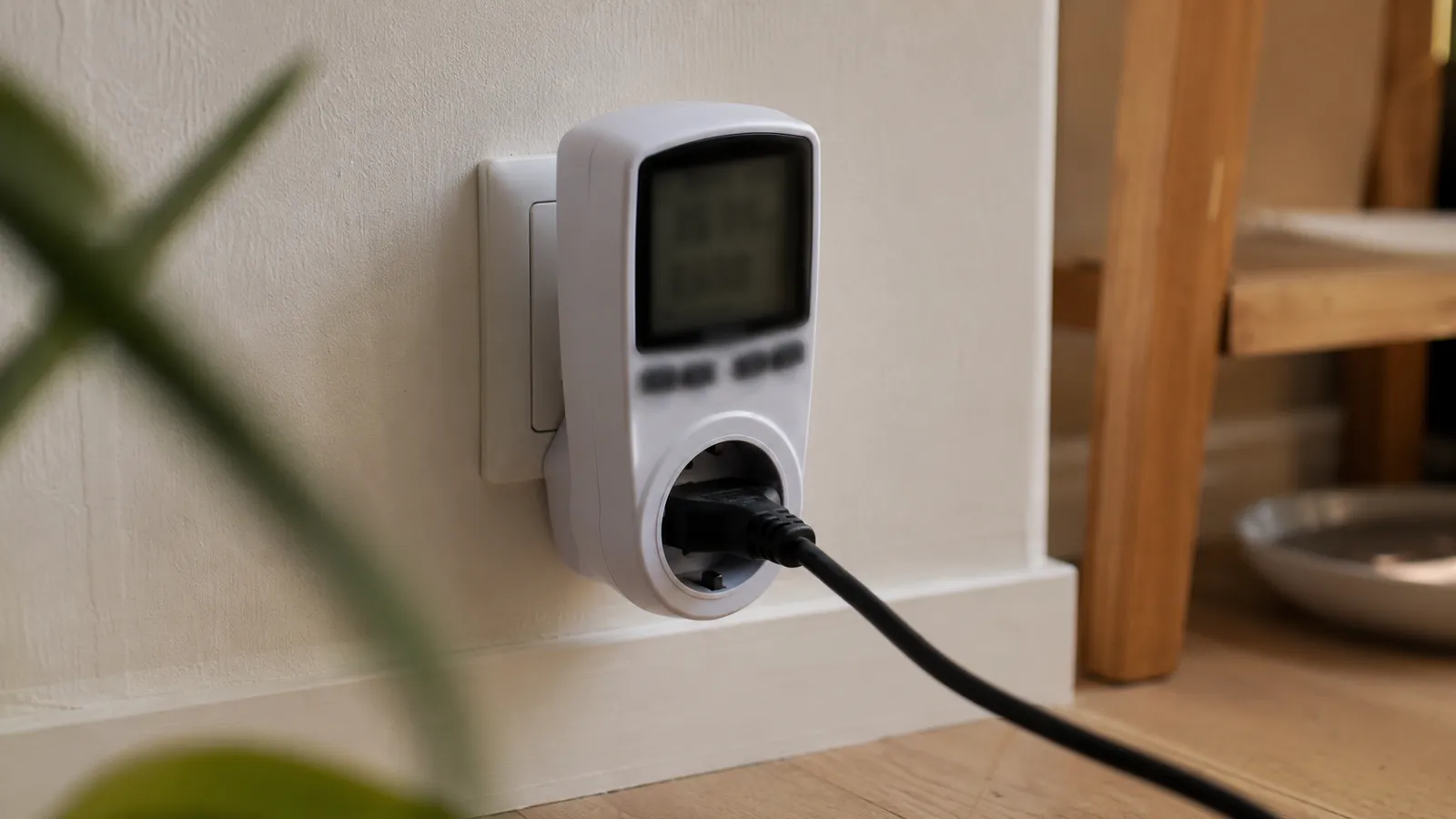
"Off" is rarely off. TVs, consoles, chargers, routers and anything with a clock or standby light keep sipping power around the clock. Enter how many always-on devices you have and their average standby draw to see what that invisible load costs you every year.
Standby power calculator
Wastes about
/ year
- Per month
- Constant draw
- Energy per year
Measure a device with a plug-in power meter for a precise figure.
How the math works
Standby power runs 24 hours a day, every day, so even a few watts add up. Total constant draw is devices × watts each. Multiply by 24 hours and 365 days, divide by 1,000 for kWh, then multiply by your price.
Worked example: 15 devices at 4 W each is 60 W drawn constantly. That is 60 × 24 × 365 ÷ 1,000 = 525.6 kWh a year, costing about $89 at $0.17/kWh — for appliances you thought were switched off.
| Device | Typical standby |
|---|---|
| Game console (rest mode) | 10–15 W |
| TV + set-top box | 5–20 W |
| Desktop PC asleep | 3–10 W |
| Phone charger (idle) | 0.1–0.5 W |
Assumptions and limits
Standby draw varies enormously between devices, so this uses one average across all of them — a rough portfolio view, not a per-device audit. Some "off" appliances (game consoles in rest mode, DVRs recording) draw far more than a charger. A $10–20 plug-in power meter shows each device's real standby, which is the surest way to find the worst offenders.
When this calculator helps most
This gives you a portfolio-level view — a reasonable order-of-magnitude figure for "how much is standby costing me overall" — rather than a precise number, which makes it the right starting point before you go hunting for the worst individual offenders with a plug-in meter.
Mistakes that throw off the estimate
Standby draw varies far more between device types than most people expect — a phone charger left in the wall draws a fraction of a watt, while a games console left in a "quick resume" or rest mode, a set-top box that's still recording, or an old-style transformer-based device can draw 10–15 W continuously. Using one average across every device in the house will understate the real cost if you own even one or two of these higher-draw offenders — worth measuring those specific devices individually with a plug-in meter rather than trusting the household-wide average for them.
The offenders worth checking first
If you want to move past the household-wide average and find where the real waste is, start with the devices most likely to be drawing far more than a typical few watts: a games console left in a quick-resume or rest mode instead of fully off, a desktop PC or monitor left "asleep" rather than shut down, a set-top box or DVR (which often can't be fully powered off if it's mid-recording-schedule), and any older device with a heavy transformer-style power brick rather than a modern compact one. Unplugging or switching off at the wall for these specific few devices — rather than trying to attack every charger and phantom load in the house — usually captures most of the achievable saving for the least daily hassle.
What it costs in practice
The yearly cost of standby draw, by how many devices you leave plugged in and what each one pulls while "off", at $0.17/kWh.
| Devices | 1 W each | 3 W each | 5 W each |
|---|---|---|---|
| 5 | $7 | $22 | $37 |
| 10 | $15 | $45 | $74 |
| 20 | $30 | $89 | $149 |
Your own price and habits change these — the calculator above uses your numbers.
Frequently asked questions
What is standby or vampire power?
It is the electricity devices draw while switched off but still plugged in — TVs, consoles, chargers, microwaves with clocks. It runs 24 hours a day, so small watts add up to real money.
How much standby power does a home use?
Studies put standby at roughly 5–10% of a typical home's electricity bill, often 40–100+ W drawn constantly across all devices.
How do I cut standby costs?
Group devices on a switchable power strip, unplug rarely used electronics, and enable eco or deep-sleep modes. Smart plugs let you cut power on a schedule.