Vampire Device Audit: A Room-by-Room Checklist
A printable room-by-room checklist to hunt down the always-on devices quietly adding to your electricity bill, and what to do about each.
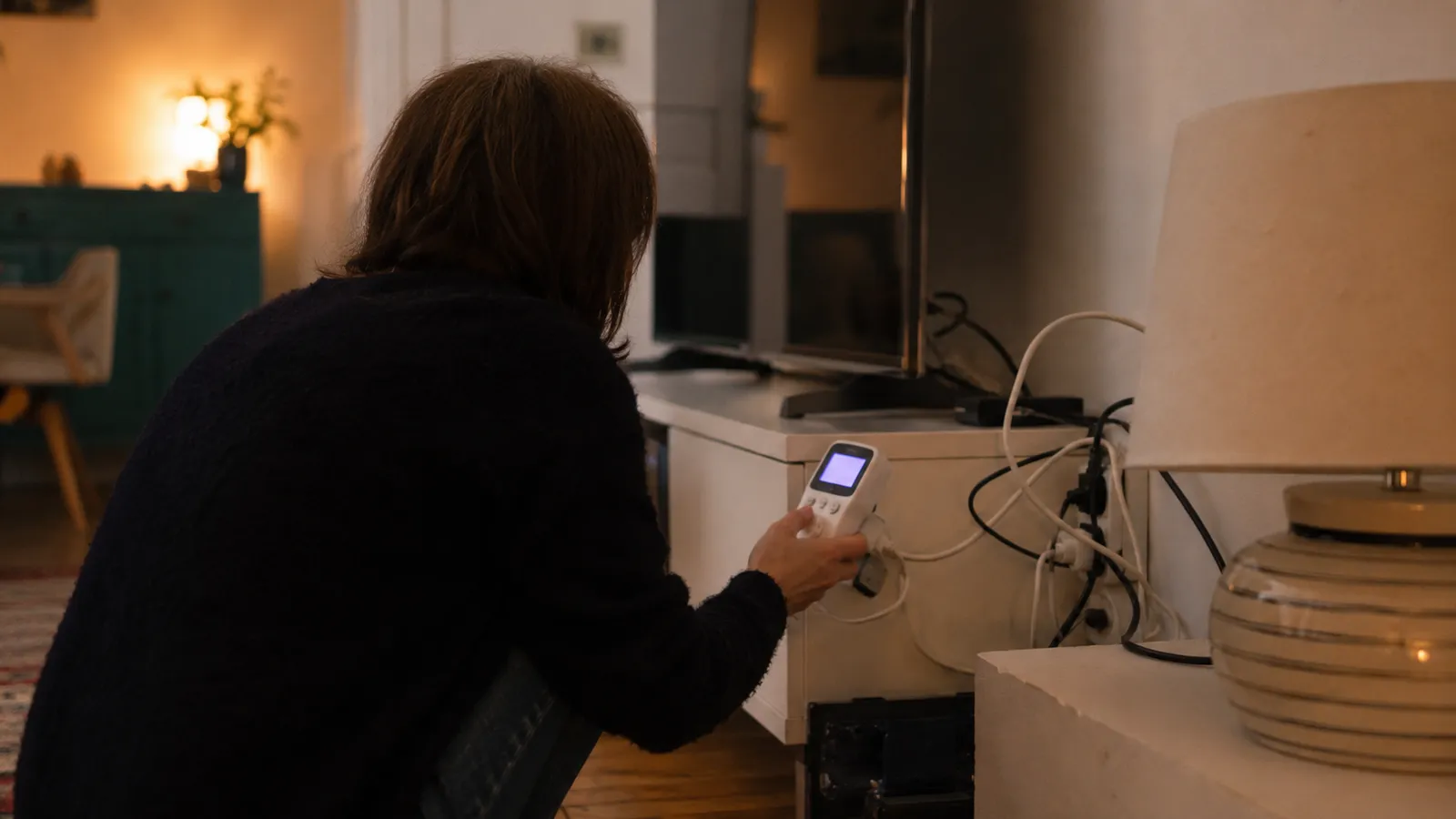
This room-by-room audit finds the always-on devices quietly adding to your electricity bill. Work through it once with a notepad (or a plug-in power meter if you have one), tick off each room, and decide for each device whether it should be switched off, put on a timer, or left alone. Most of the saving comes from a handful of devices, so one thorough pass captures the bulk of it.
Living room
- Put the TV, set-top box, sound bar and console on one switchable power strip.
- Switch the games console from "rest/instant-on" to a full power-down.
- Unplug secondary streaming sticks and old DVD/Blu-ray players you never use.
Home office
- Group the monitor, printer, speakers and dock on a switched strip.
- Set the desktop to sleep or hibernate, not stay awake, when idle.
- Unplug chargers and the printer when not in use — printers idle surprisingly high.
Kitchen
- Switch off the microwave at the wall if you never use its clock.
- Unplug the coffee machine, toaster and kettle when not in use.
- Leave the fridge and freezer on — they are not standby waste, they are doing their job.
Around the home
- Leave the Wi-Fi router on unless every connected device is also off.
- Unplug guest-room and spare electronics that sit idle for weeks.
- Check for forgotten chargers, old set-top boxes and second fridges in the garage.
Why these items make the list
The living room and home office are on the list first because that is where standby waste concentrates: several devices, each drawing 5–15 W in "rest" mode, running 24 hours a day. A console left in instant-on mode can use as much over a year as it does during actual gaming, and a cluster of entertainment gear on one strip is the single fastest win — one switch, several watts gone.
The kitchen makes the list for the small clock-and-display loads (microwaves, coffee machines) that individually are tiny but collectively persistent. The important caveat is what not to unplug: your refrigerator and freezer are meant to run constantly, and switching them off spoils food for a saving that never existed — their consumption is running cost, not standby.
Finally, the whole-home sweep catches the things people forget: a second fridge in the garage running for a few cans of drink, a printer that idles higher than expected, chargers and old boxes left plugged in for years. Add up your findings in the standby power calculator to see the yearly cost, then decide which are worth a switched strip and which can simply be unplugged. The habit, once set, pays back every single day.
Frequently asked questions
How often should I do this audit?
Once or twice a year is plenty, plus whenever you add new electronics. Most standby waste comes from a handful of devices, so one thorough pass captures the bulk of the saving.
What is the fastest win from the checklist?
Usually the entertainment cluster — TV, console, set-top box and sound bar on one switchable strip. Cutting them all at once removes several watts of constant draw in one action.